- Published on
Restrict topics from auto-creating on Google Managed Kafka
- Authors

- Name
- Thanesh Pannirselvam
If you’ve used Google Managed Kafka (GMK), you might have noticed there is no setting to disable auto-creation of topics.
Disabling auto-creation of topics is typically managed by the server-side property auto.create.topics.enable on Apache Kafka, which Google Managed Kafka doesn’t expose to its users.
Regardless, we can still prevent topics from auto-creating by configuring ACL rules; which I explain below.
Problem
Topics are automatically created when a client produces (or consumes) to Google Managed Kafka.
This is actually a default feature of Apache Kafka, but it is often disabled as any client that has access to the cluster can create topics; which could have unintended behaviours, such as:
- messages/data going to a misspelled topic
- lack of standardisation, i.e. naming conventions, partition count, replication factor, etc.
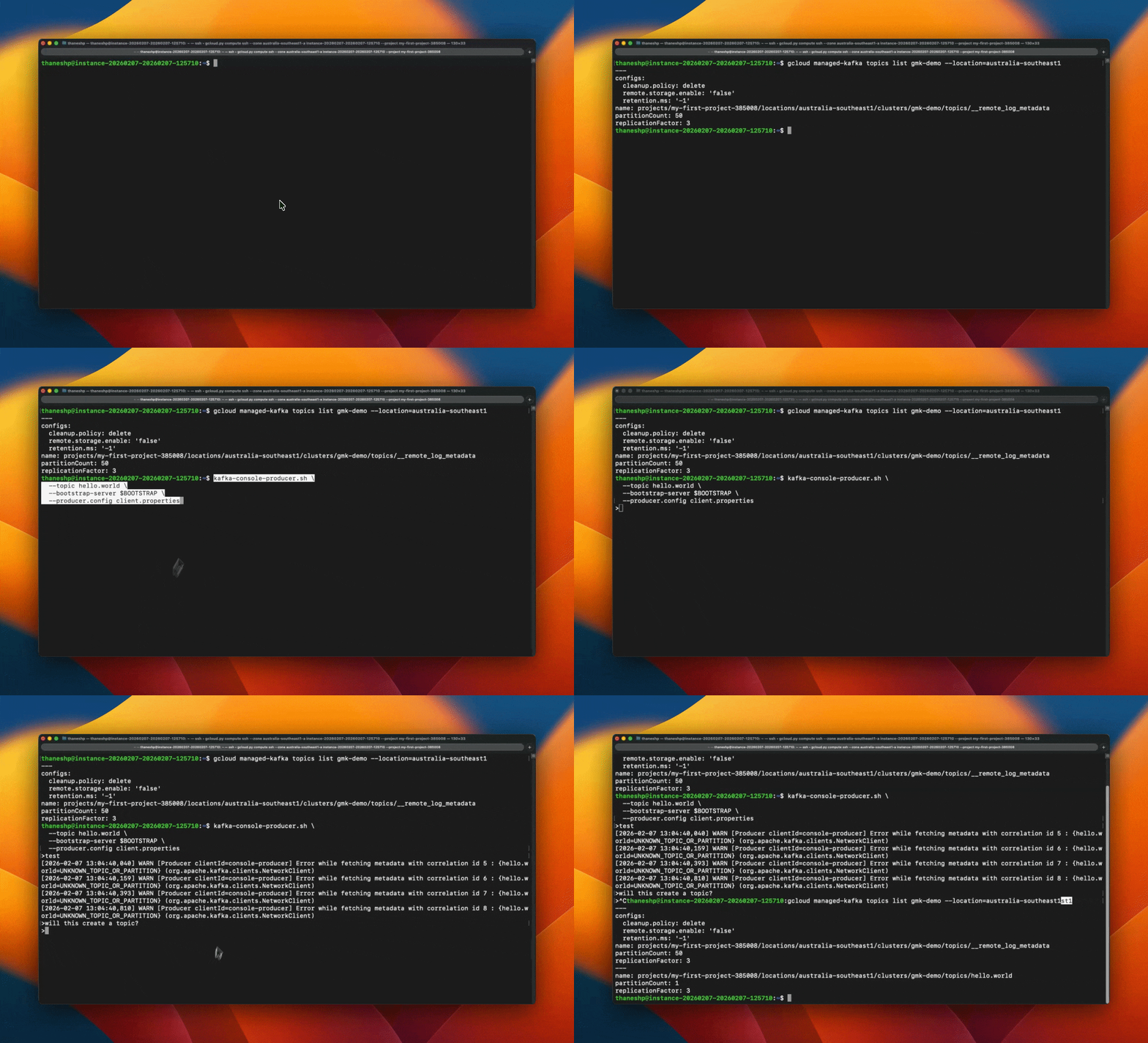
In the recording below, you’ll see that when I try to produce to a non-existent topic, it first throws an error, but after some time the message successfully publishes.
Solution
You can restrict auto-creation of topics on Google Managed Kafka by creating a dummy service account and applying an ACL rule that denies ALL operations for “allTopics”.
Why does this work?
Google Managed Kafka operates with the allow.everyone.if.no.acl.found property set to true.
When no ACL is present for “allTopics”, then access is enabled by default. As soon as you apply an ACL to this resource, access becomes restricted.
You can read more about GMK’s default access here.
Implementation
The Terraform implementation looks something like below.
# Dummy service account used solely for applying the ACL rule
resource "google_service_account" "service_account" {
  account_id   = "service-account-id"
  display_name = "Service Account"
}

# ACL rule to restrict auto creation of topics
resource "google_managed_kafka_acl" "example" {
  acl_id = "allTopics"
  cluster = google_managed_kafka_cluster.cluster.cluster_id
  location = "australia-southeast1"

  acl_entries {
    principal = "User:${google_service_account.service_account.email}"
    permission_type = "DENY"
    operation = "ALL"
    host = "*"
  }
}
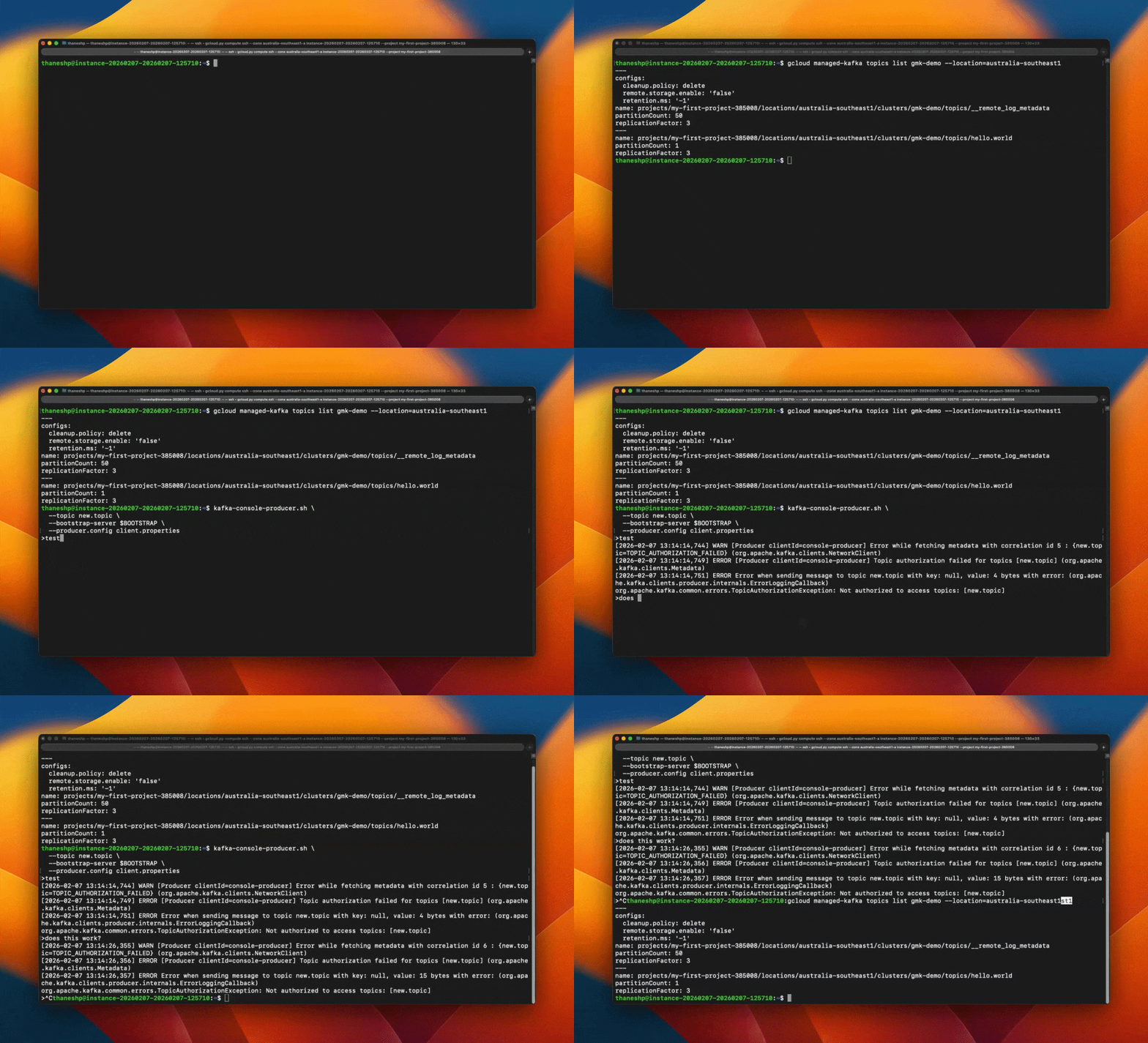
After you’ve applied it, you’ll see an unauthorised error when trying to publish to a non-existent topic.
That’s all that's required.
Let me know your thoughts or alternative approaches in the comments below.